

















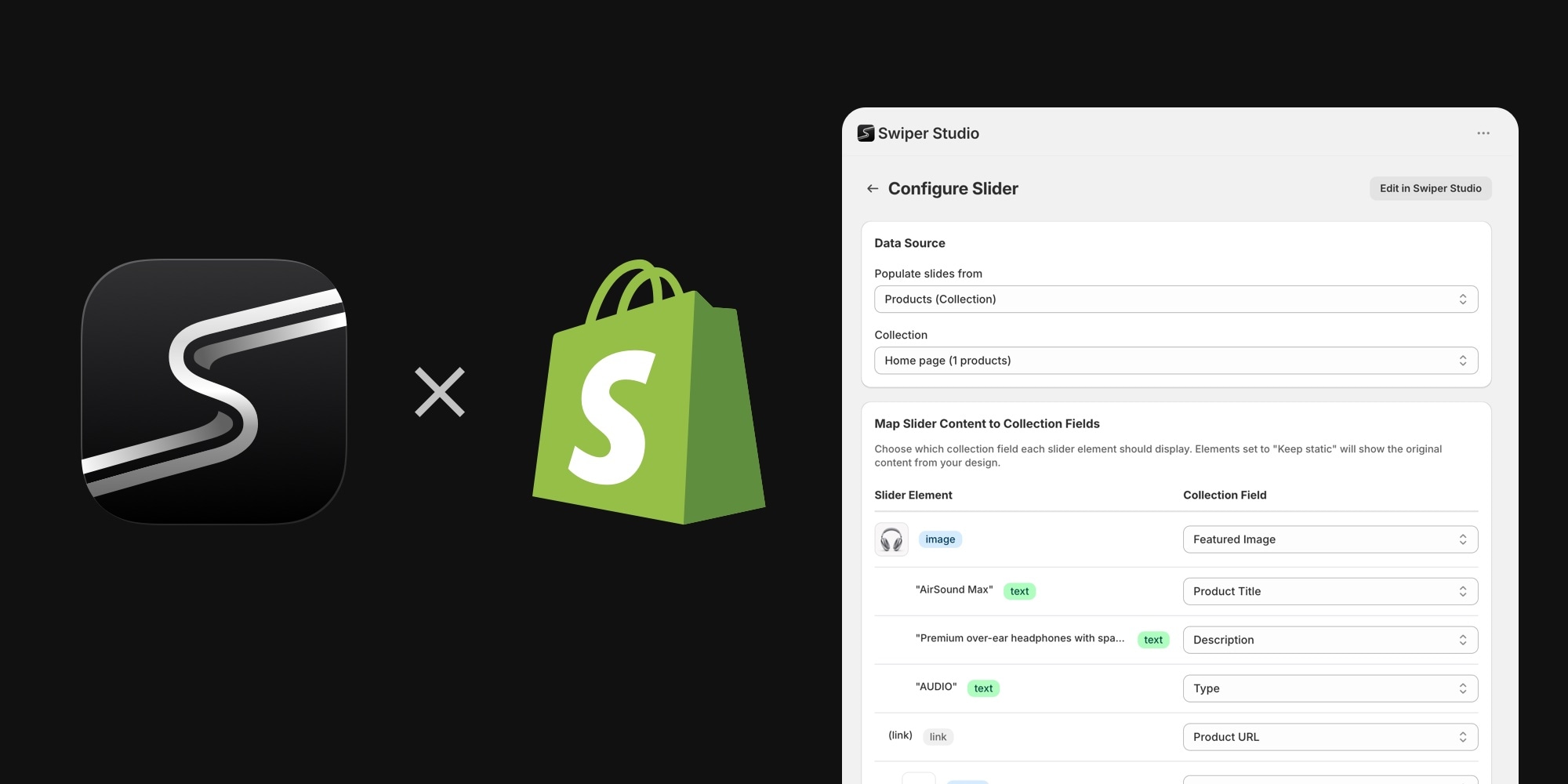
Bringing Swiper into a Shopify store has always been possible, but never convenient - custom theme code, Liquid templates, manual script tags, and every catalog change meant touching the code again. That changes now: Swiper Studio has released an official Shopify app, and it is by far the easiest and most "native" way to get Swiper sliders into a Shopify store.
Why It Is Different
Most Shopify slider apps embed widgets or iframes that hurt performance and never quite feel like part of the theme. The Swiper Studio app takes a different approach: sliders you design in Swiper Studio are rendered server-side as native Liquid theme blocks. Your store serves plain HTML - the only external assets are the slider's stylesheet and the Swiper.js runtime itself. That means real Swiper, real performance, and sliders that live in the theme editor like any other theme section.
And you get the full power of Swiper Studio: 100+ templates, 10 premium effects (Panorama, Cards Stack, Slicer, Super Flow, and more), element animations, and responsive breakpoints - all without writing a line of code.
Connected To Your Store Data
The best part is that sliders are not static. The app connects directly to your Shopify data, with four data sources available:
- Products from Collections - design one slide as a template, pick a collection, and the slider renders one slide per product. Add or remove products, change prices - the slider stays in sync automatically, no republishing needed.
- Product Images - turn any product's image gallery into a slider automatically.
- Metaobjects - pull content from metaobjects you manage in the Shopify admin, like testimonials or press quotes.
- Product Metafields - render list-based product data as slides.
How It Works
The whole setup takes just a few minutes:
- Install the app from the Shopify App Store
- Connect your store to your Swiper Studio account
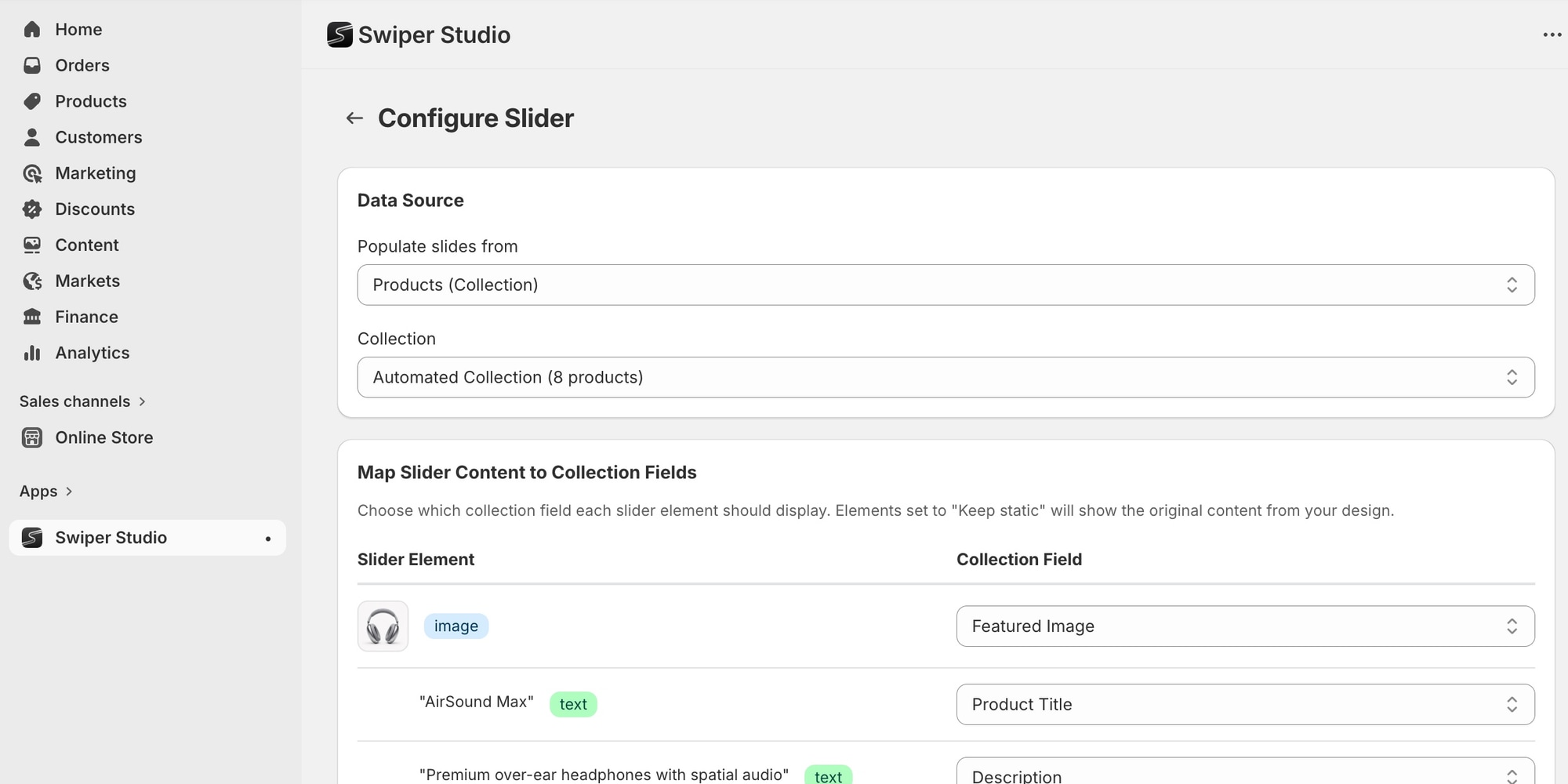
- Pick a slider and map slide elements to your store's fields in the Shopify admin
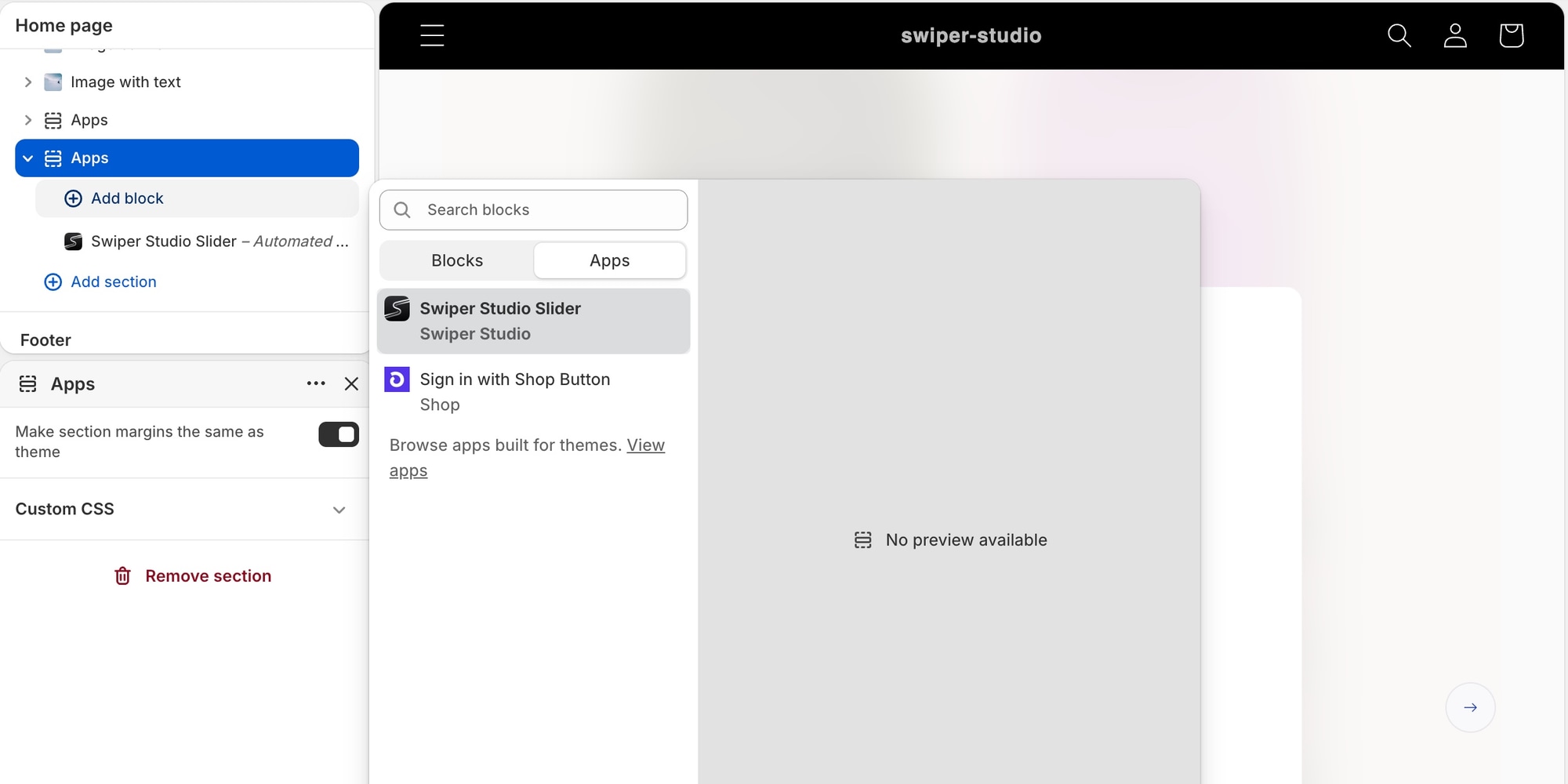
- In the theme editor, add the "Swiper Studio Slider" app block wherever you want it
- Configure the block settings - the Project ID is set automatically, just pick a collection if needed
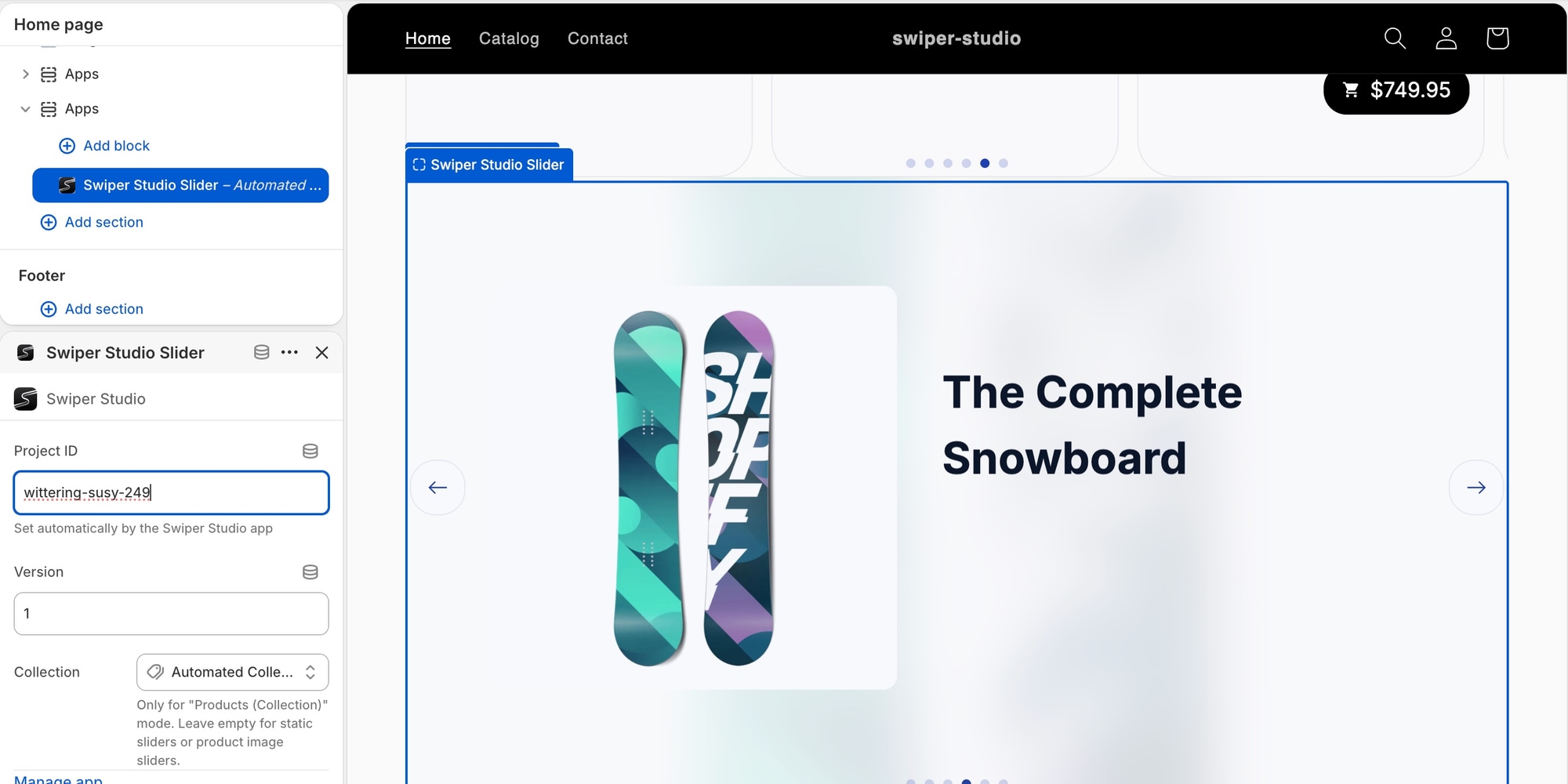
That's it - a fully dynamic, catalog-driven Swiper slider, live in your store.
Pricing
Shopify support is included in existing Swiper Studio plans - there is no separate subscription. Solo and Team plans are available with annual or lifetime pricing.
Try It Out
Install the app from the Shopify App Store, check out the Swiper Studio for Shopify guide, and read the full announcement on the Swiper Studio blog.
And as always, if you love Swiper, please, support the project:
- Sponsor Swiper - get your logo and link featured on the website
- GitHub Sponsors - support the developer directly
And checking our premium projects:
Your support means a lot for us!