

















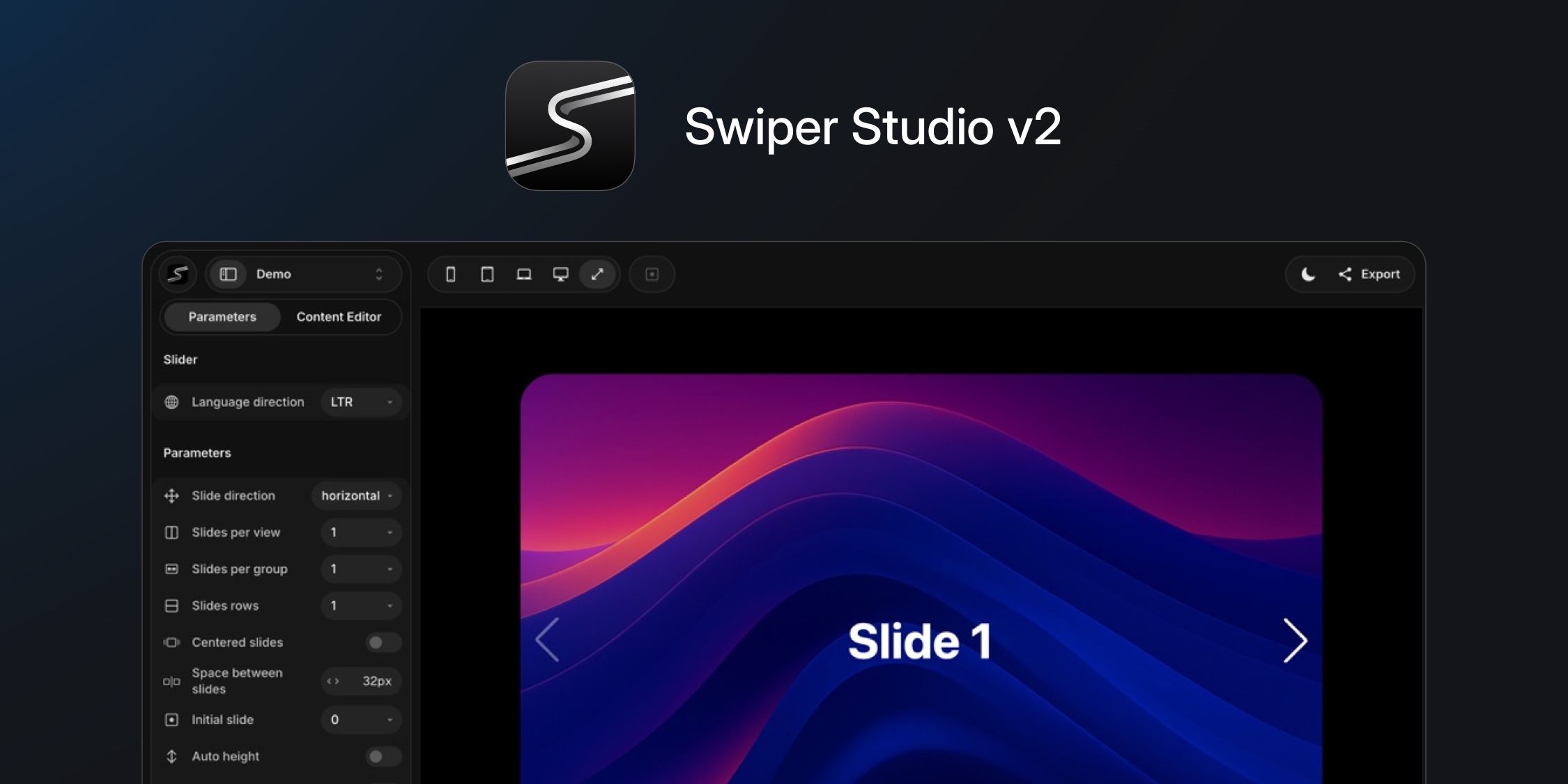
Swiper Studio just got its biggest update yet. Version 2 brings a redesigned editor, element animations, video support, responsive breakpoints, an MCP server for AI agents, Next.js export, and 25 ready-made use case templates. Here's what's new.
Redesigned Editor
The entire interface has been overhauled - cleaner, more refined, and easier to navigate. Segmented buttons replace dropdowns, numeric inputs are more compact, and the sidebar is lighter. The result is a faster, more focused editing experience.
New keyboard shortcuts make power users even more productive:
Cmd + B- toggle sidebarCmd + J / K- switch between editorsCmd + 1-5- viewport previewsCmd + S- export
Element Animations
Child elements inside slides now support entrance animations, infinite loops, and text effects - all configurable with delay, duration, and stagger controls.
- Entrance animations: Fade, Pop, Drop, Twirl
- Infinite loops: Spin, Bounce, Pulse
- Text effects: Typewriter, Letter Blur, Number Roll
Video Support
Full background video and standalone video elements are now supported. Configure cover/contain modes, blur, opacity, and automatic play/pause based on slide visibility - no custom code needed.
Responsive Breakpoints
Every element now supports per-breakpoint style overrides. Adjust fonts, layouts, padding, and colors across different viewport widths without writing a single line of code.
MCP Server
AI agents can now build sliders through natural language. Connect Swiper Studio to Claude, ChatGPT, or Cursor via 24 specialized MCP tools and describe the slider you want - the agent builds it for you.
Next.js Export
A new first-class export option delivers complete Next.js App Router projects with TypeScript and React 19. On top of the existing React, Vue, HTML, Web Components, and Webflow exports.
Navigation & Pagination Updates
Navigation arrows now offer 14 icon styles with size and offset controls. Pagination includes configurable bullets and progress bars with more customization options.
25 Ready-Made Use Case Templates
We also launched 25 production-ready templates across multiple categories. Each template comes with fully styled slides, responsive breakpoints for mobile/tablet/desktop, proper Swiper configuration, and light/dark variants.
Hero Banners - full-screen slider with headlines, CTAs, and background images
Testimonials & Social Proof - customer reviews with ratings and avatars, quote cards with social handles
E-commerce & Products - product showcase cards, apparel collections, tech device galleries
Pricing Plans - tier cards with feature lists and CTAs in dark and light variants
News & Blog - article cards with cover images and metadata
Portfolio & Gallery - full-screen project showcase
Team Pages - portrait cards with names and titles
Travel & Destinations - landscape photography cards with ratings
App Showcases - 3D coverflow carousel for UI screenshots
Before & After - side-by-side comparison sliders
Event Timelines - milestone cards with dates
Entertainment & Streaming - movie cards with ratings and genres
Polaroid & Memory - photo card carousels in multiple styles
Presentations - full-screen presentation slides with parallax effects
Open any template in the editor, customize content, colors, and layout, then export clean code in your preferred format - React, Vue, Next.js, HTML, Web Components, or Webflow. What used to take hours now takes minutes.
Pricing
Swiper Studio v2 is available with two plans:
- Annual - $49/year (currently 50% off at launch)
- Lifetime - $99 one-time (currently 50% off at launch), includes desktop app access
Both plans include all features with no restrictions.
Try It Out
Head over to studio.swiperjs.com to try Swiper Studio v2. Check out the full release notes on the Swiper Studio blog and browse all 25 templates.
And as always, if you love Swiper, please, support the project:
- Sponsor Swiper - get your logo and link featured on the website
- GitHub Sponsors - support the developer directly
And checking our premium projects:
Your support means a lot for us!